Group chats in ServerGPT
Work together in shared Discord server workspaces, so your team can review ideas, shape structure, and make changes in one place.

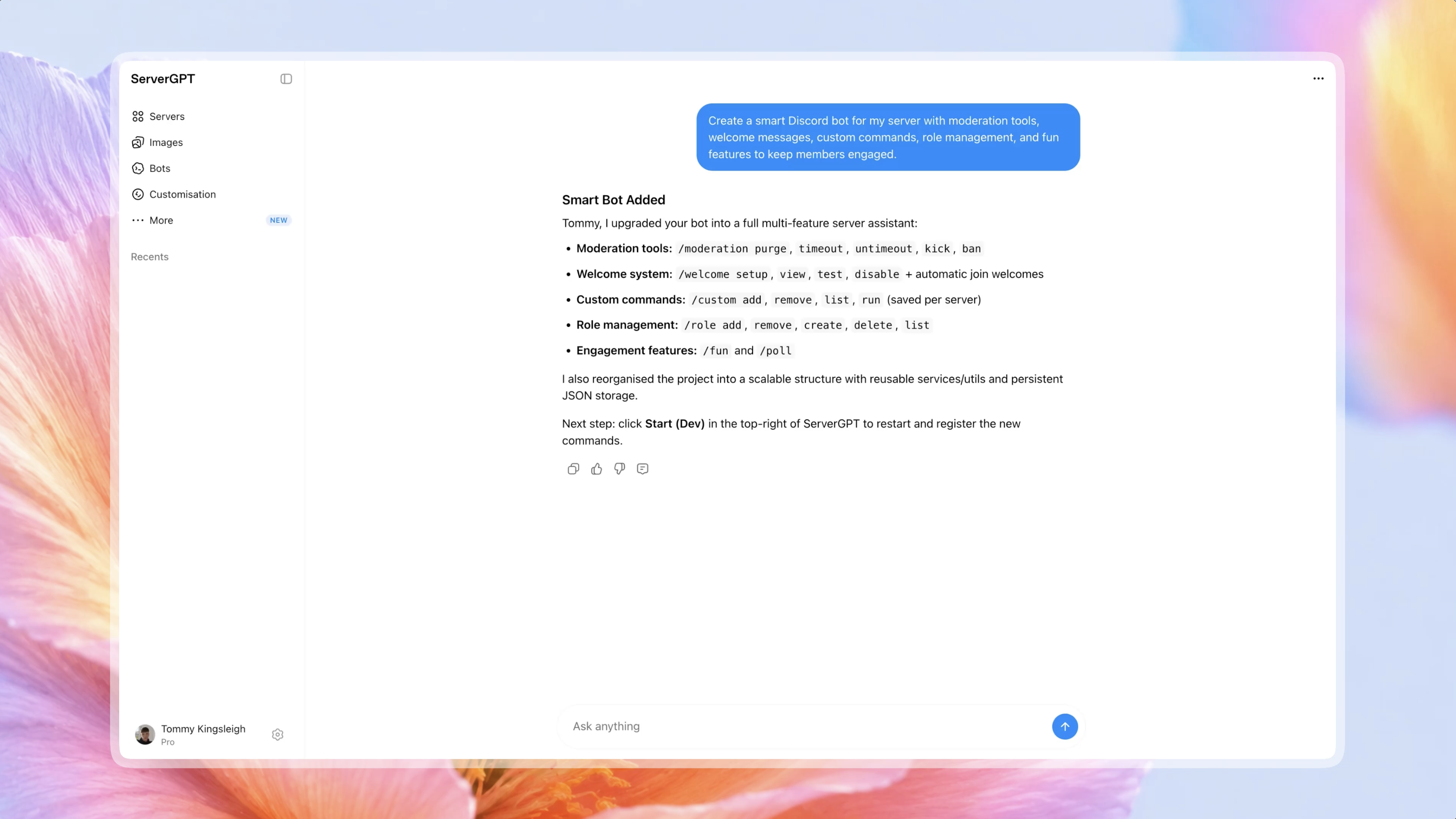


How it works
Start a group workspace for the Discord server your team wants to shape together.
Invite collaborators so everyone can work from the same server plan and context.
Discuss structure, channels, roles, and community plans before making final changes.
Use the shared workspace to iterate on your server as your community grows.
FAQ
Group chats are shared server workspaces where invited collaborators can discuss ideas and work from the same Discord server context.
Yes. Group members can collaborate in the shared workspace, while access and final server actions remain subject to the group and Discord permissions available to them.
Members of the group workspace can follow the shared conversation and see the server work being discussed there.
Yes. A group workspace can use a connected server as its shared context so collaborators can review its structure and discuss improvements together.
Access is limited to the people included in that group workspace. Group owners can manage the collaboration and remove the group when it is no longer needed.